Team Monitoring
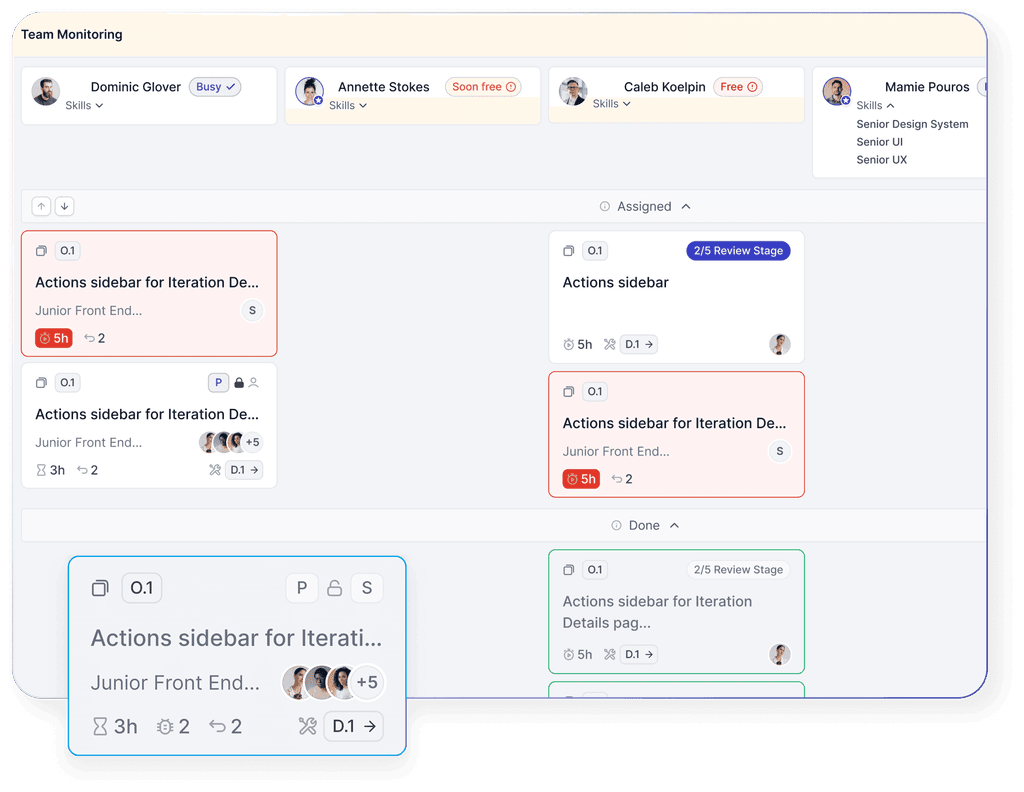
All Team Activity — in One Place. Manage your teams efficiently — without manual data collection, spreadsheets, or endless requests. Team Monitoring in QPM shows who is working on what, where there are overloads, delays, or role gaps. Everything is displayed in real time, with a focus on key performance metrics.




Who Benefits from Team Monitoring in QPM

Project / Program Managers
See where projects are slowing down, which teams are overloaded, and where support is needed. Less manual reporting — more time for strategic management.

Team Leads and Tech Leads
Monitor workload, progress, and the involvement of each team member. Quickly identify gaps in the team or tasks that are stuck without an owner.

COO / Head of Delivery
Get a clear picture of all streams and departments: who is focused on what, and which teams are contributing to overall delays.

HR and People Partners
Understand engagement levels, periods of overload, and reasons for burnout. Take timely action and plan changes proactively.

Business Owners / CEOs
Analyze team performance to make better decisions about resource allocation, shifting priorities, or structural changes.
QA / Test Leads
Integrate review stages, test planning, and bug-related delays directly into the autoplanning process for seamless quality management.
Key Capabilities of Team Monitoring in QPM
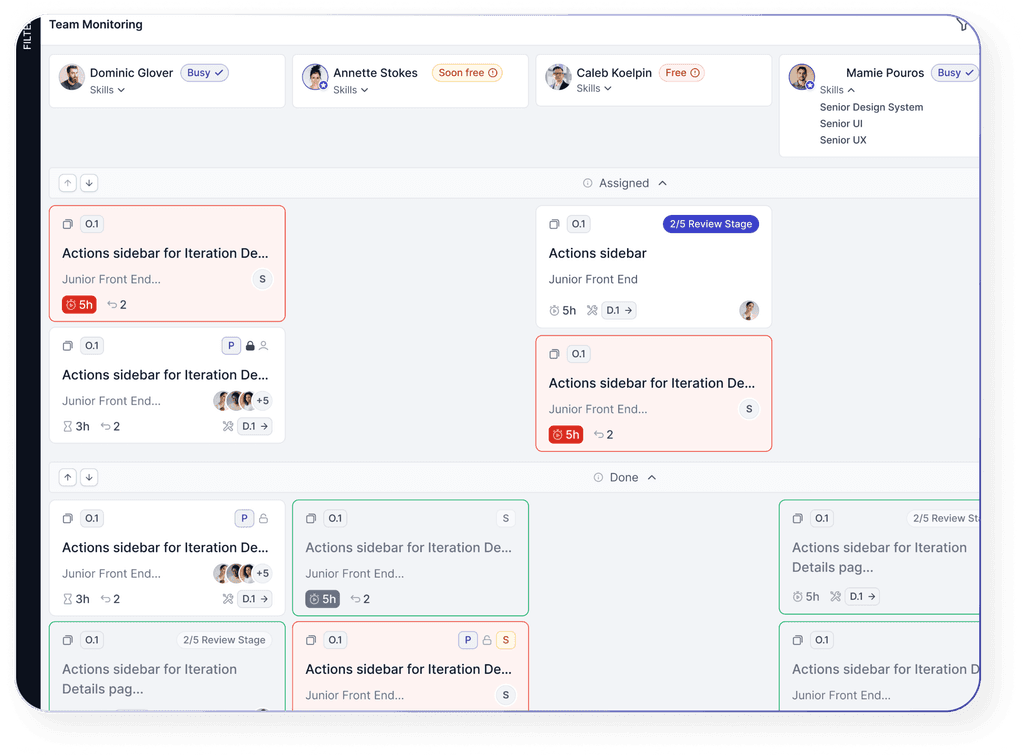
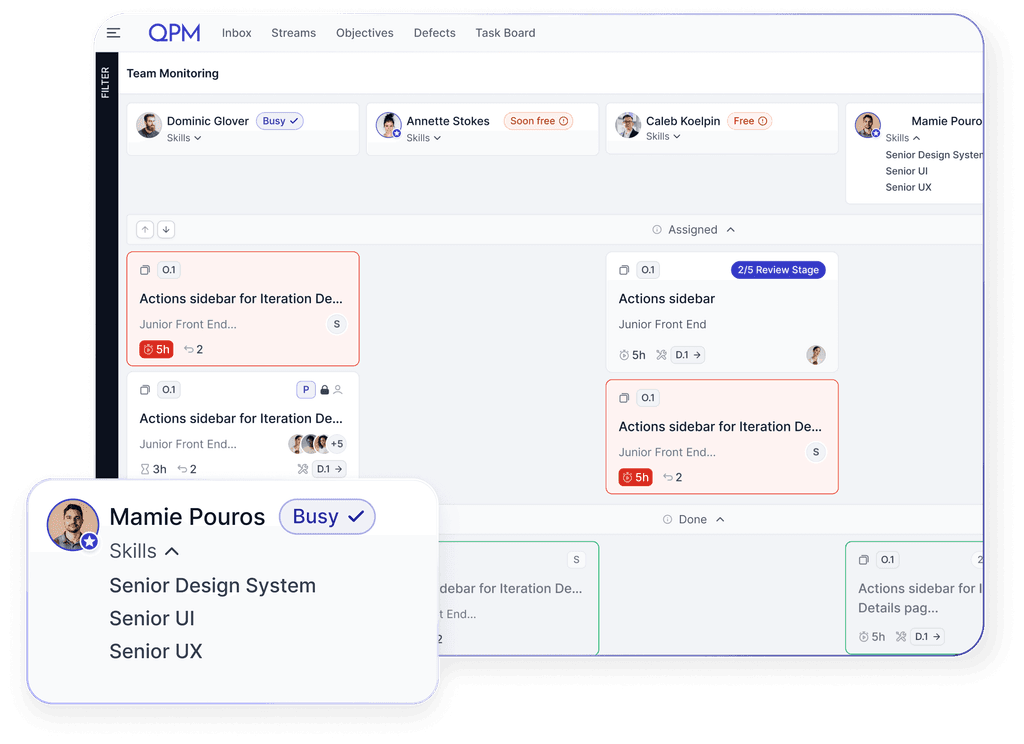
You can see which tasks an employee is working on, when they will become available, whether there are upcoming tasks for them, which roles they perform, how many tasks are assigned, and the current status of those tasks.
Learn more about QPM


How Team Monitoring Works in QPM
All information about tasks, roles, stream participation, and statuses is updated automatically — with no need for manual intervention.
Why It’s Useful to Use Team Monitoring in QPM

Visibility of all resources in real time

Transparent planning and task allocation

Proactive risk response

Improved team efficiency

Balanced resource utilization

Clear analytics for management decisions
Learn more about QPM