Buffer Time Planning
Deadline control even in times of uncertainty
Deadlines don’t wait. Uncertainty, dependencies, and overload can easily throw a project off schedule.
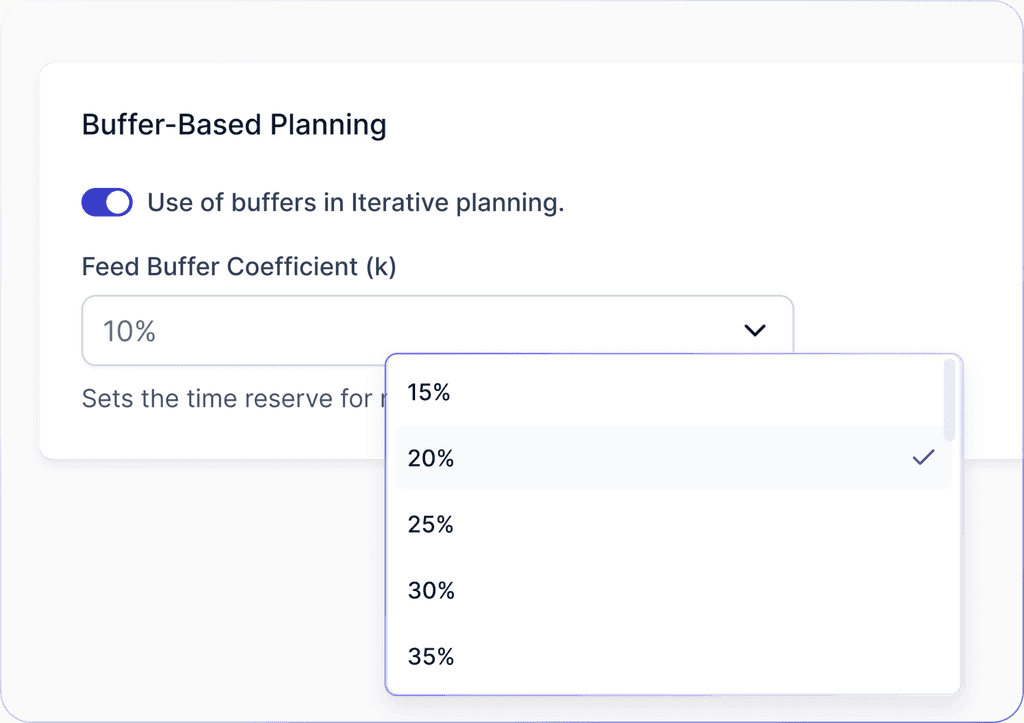
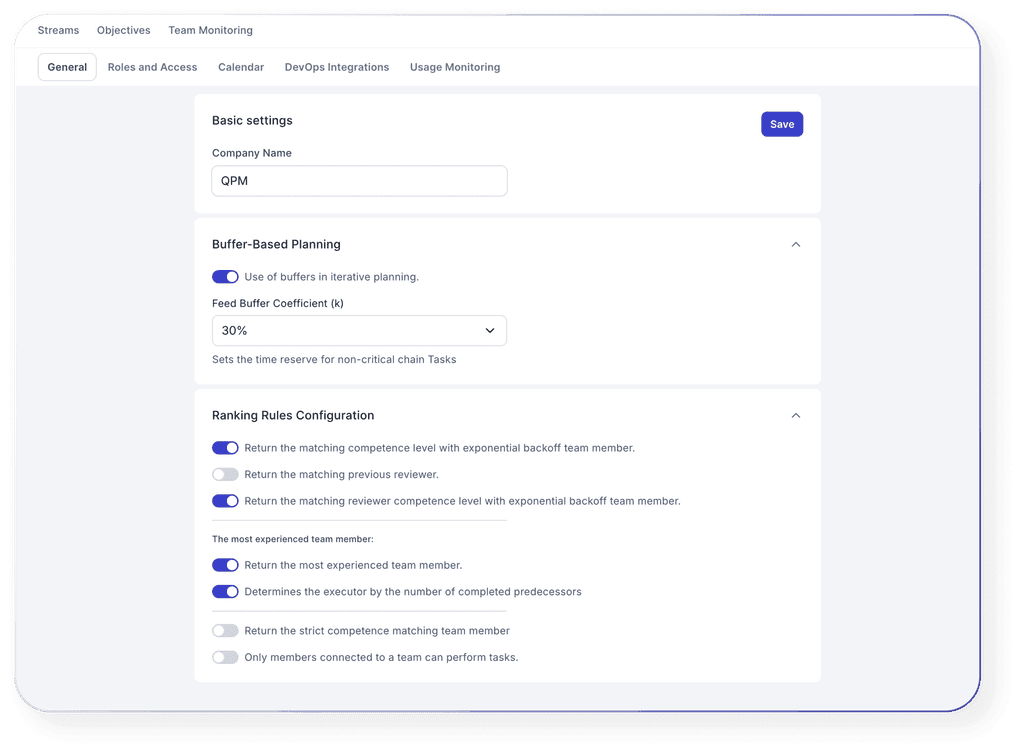
Buffer Planning in QPM allows you to proactively add smart time buffers to key stages, protecting deadlines and reducing risks.



Who Benefits from QPM Buffer Planning

Project Managers
Keep deadlines under control even in high uncertainty. Manage dependencies and detect project weak points in time.

Team Leads and Tech Leads
Plan team workload with potential delays in mind and protect critical stages from overload.

Product Managers
Build realistic release schedules without “inflated safety nets” and reduce the risk of product launch delays.

QA and Review Teams
Account for typical delays during testing and revisions to ensure approvals don’t slow down the entire project.

GameDev and Design Teams
To support data-driven decision-making with real-time insights on product and business performance.

Teams with Fixed Deadlines
Indispensable under strict SLAs, contractual obligations, or public releases, where lateness is simply not an option.
Key features
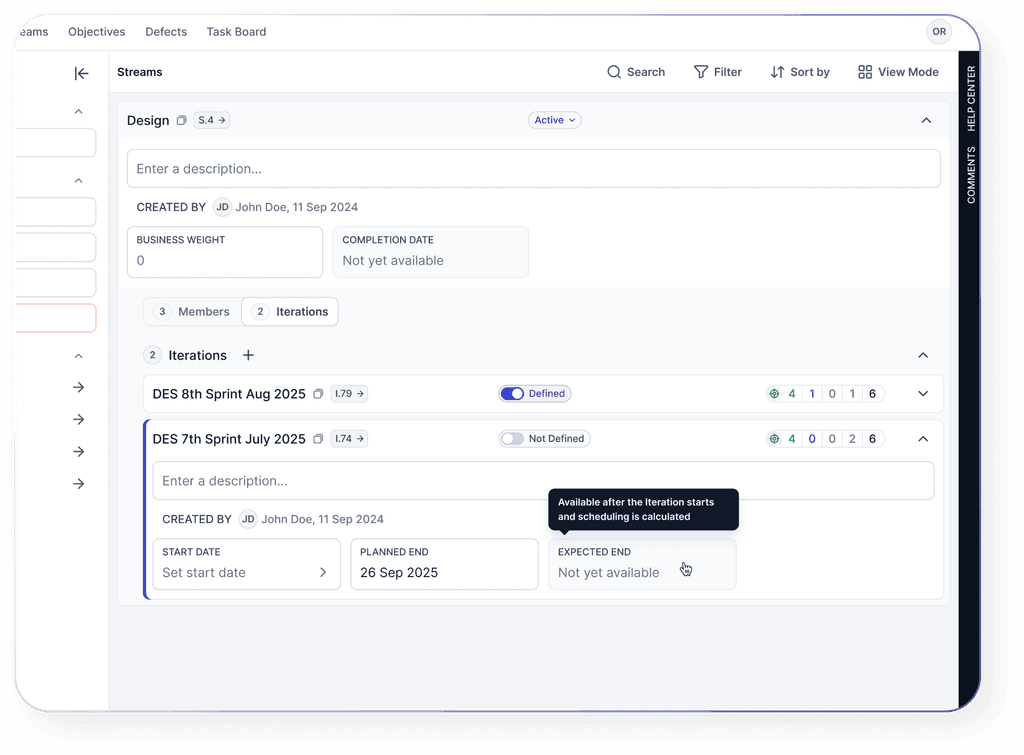
You can assign a buffer not only to a single task but also to an iteration (sprint).
Learn more about QPM

How Buffer Planning Works in QPM
An iteration is created with a target date (Planned End).

Why Use Buffer planning in QPM

Forecasting instead of reacting

Analytics with root cause insights

Live buffer and adaptive scheduling

Integration with auto-planning

Visualization and convenient control

Suitable for diverse teams and scenarios
Learn more about QPM